Clean — declutter a photo
Reduce clutter and movable distractions when you want to retain the character of the existing furnished room.
Prepare property photos for a listing: reduce clutter, remove furniture, change wall colors or explore another interior style. Compare the visualization with the original and download the result you choose.
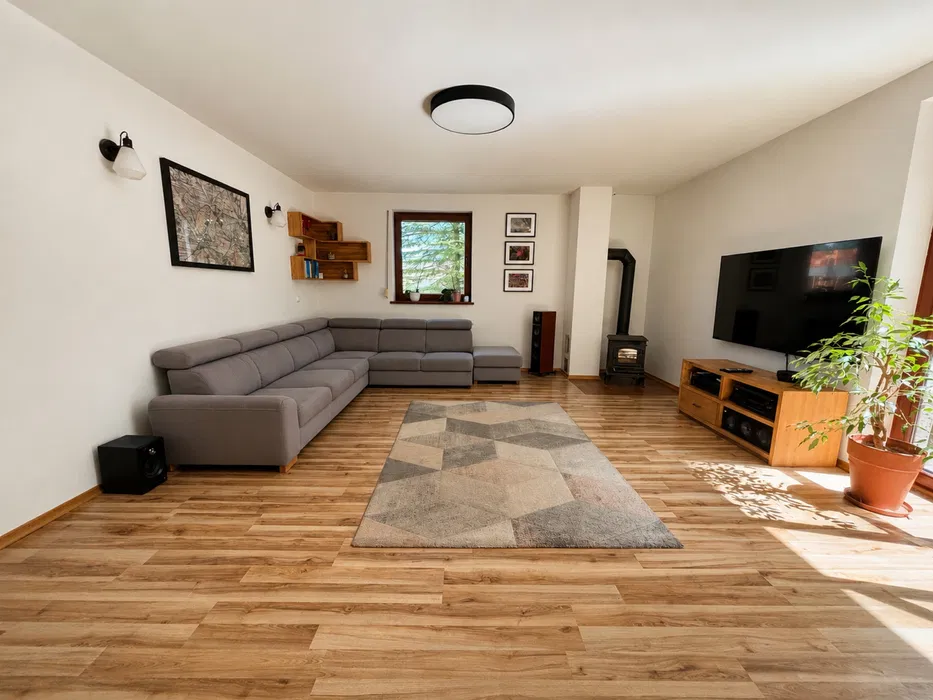
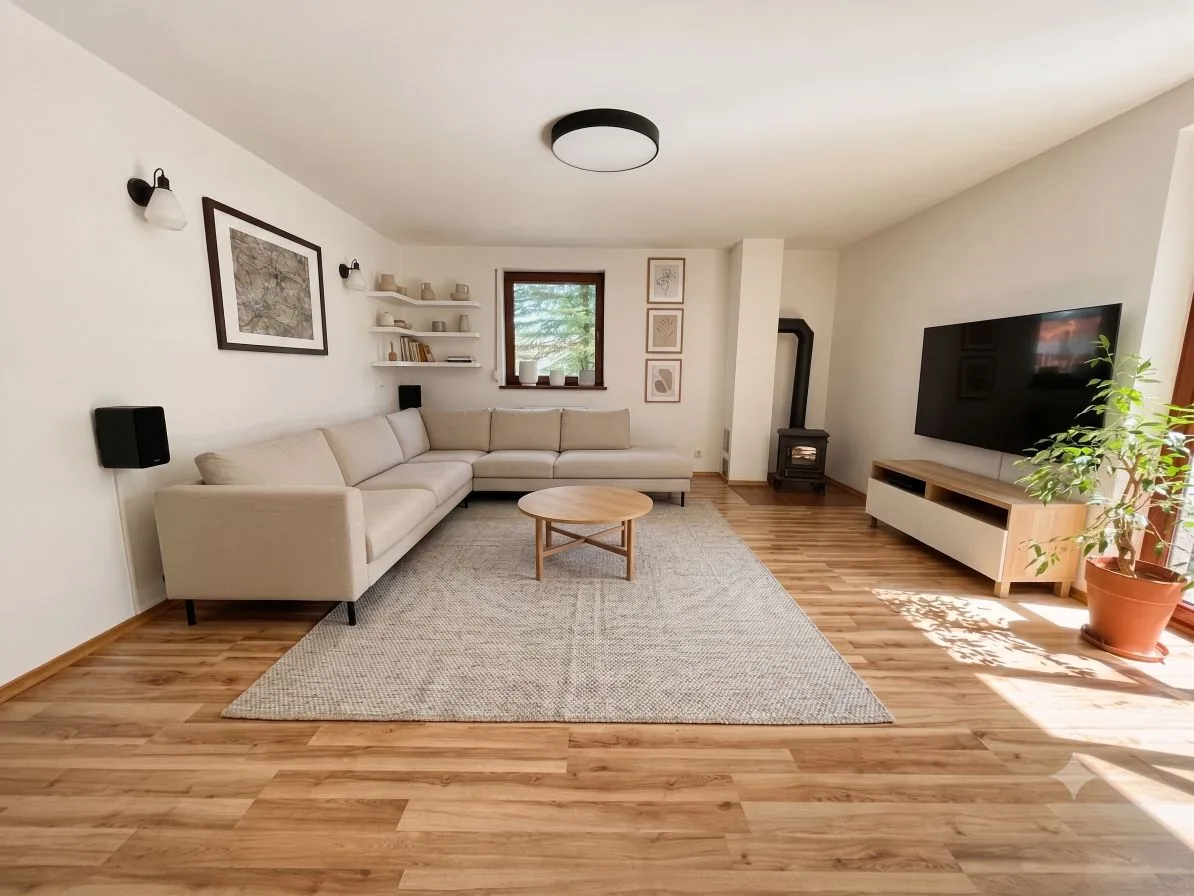
Transformation
Room type
Style
Make one change or combine edits using a result you have reviewed. Each successful generation uses 1 credit.
Reduce clutter and movable distractions when you want to retain the character of the existing furnished room.
Remove movable furnishings to visualize an empty room before trying a new interior design.
Compare a different wall color and finish using the actual property photograph as your starting point.
Choose a room type and available style to create another furnishing idea from the source photograph.
Scan objects for free, select an item and plan an edit. Add and change-model edits can use a reference photo. A successful generation uses 1 credit.
Results are AI visualizations. Check proportions, fitted features and smaller details, retain the original and label the modified image when publishing.
Choose an edit, compare it with the source photograph and decide what to show in your listing.
Create an account, verify your email, create a property and add a JPEG, PNG or WebP photo.
Use Clean, Empty Room, Paint, Redesign or Magic Hand. Select the settings for your photo and start generation.
Review the result beside the original. Download your chosen image or use it as the source for another separately credited edit.
One-time credit packages that never renew automatically.
One-time payment
One-time payment
Prices are gross amounts in Polish złoty (PLN), including VAT.
An account and email verification are required. Introductory credits are granted after eligibility checks.